Forms & certificates
Send an intake form to a new patient
Send your intake form from a waitlist enquiry, let the patient fill it in on their phone, and apply the answers to their file.
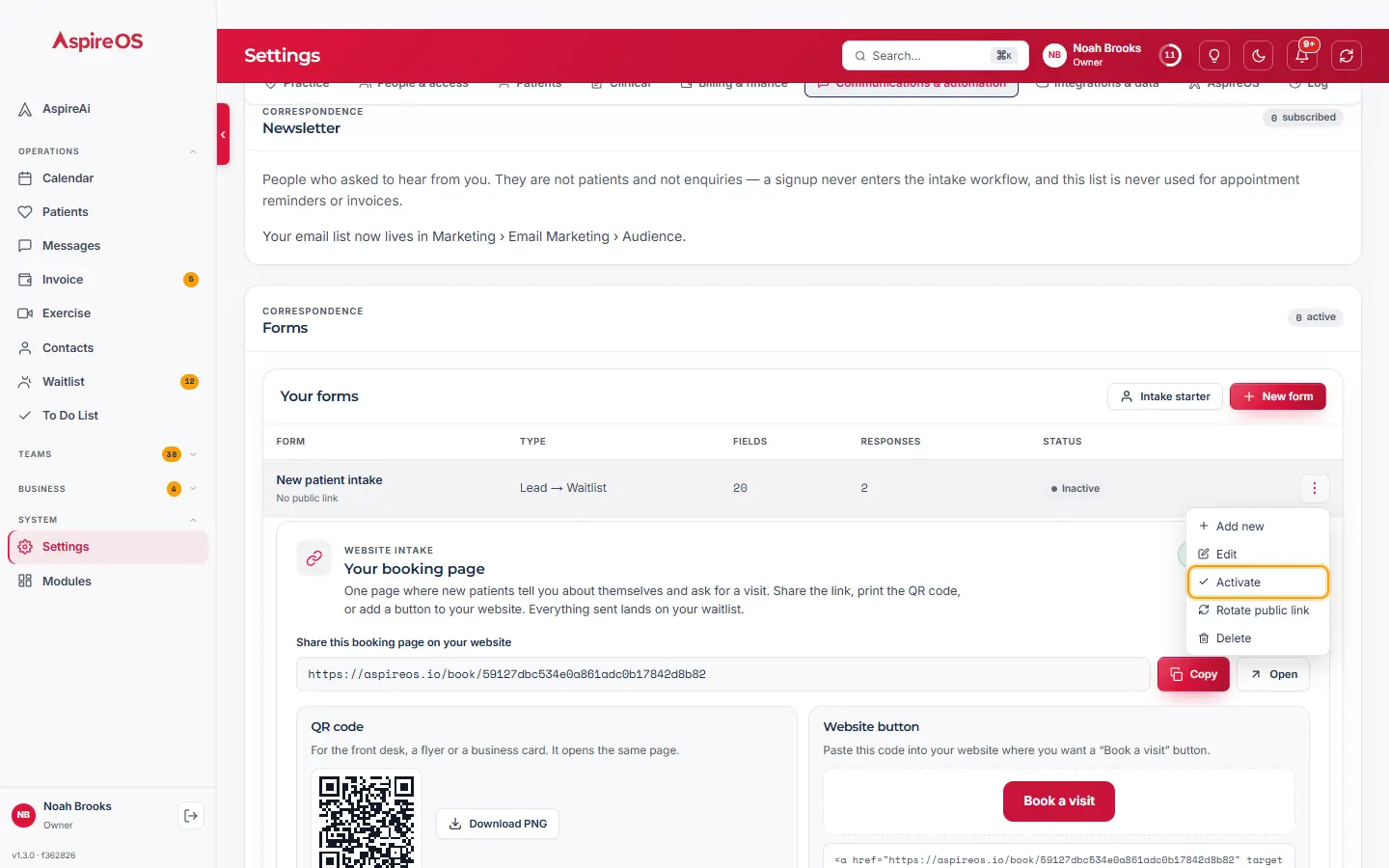
Make sure your intake form is on
Go to Settings > Communications & automation > Forms. If your intake form says Inactive, open its ⋮ menu and click Activate.
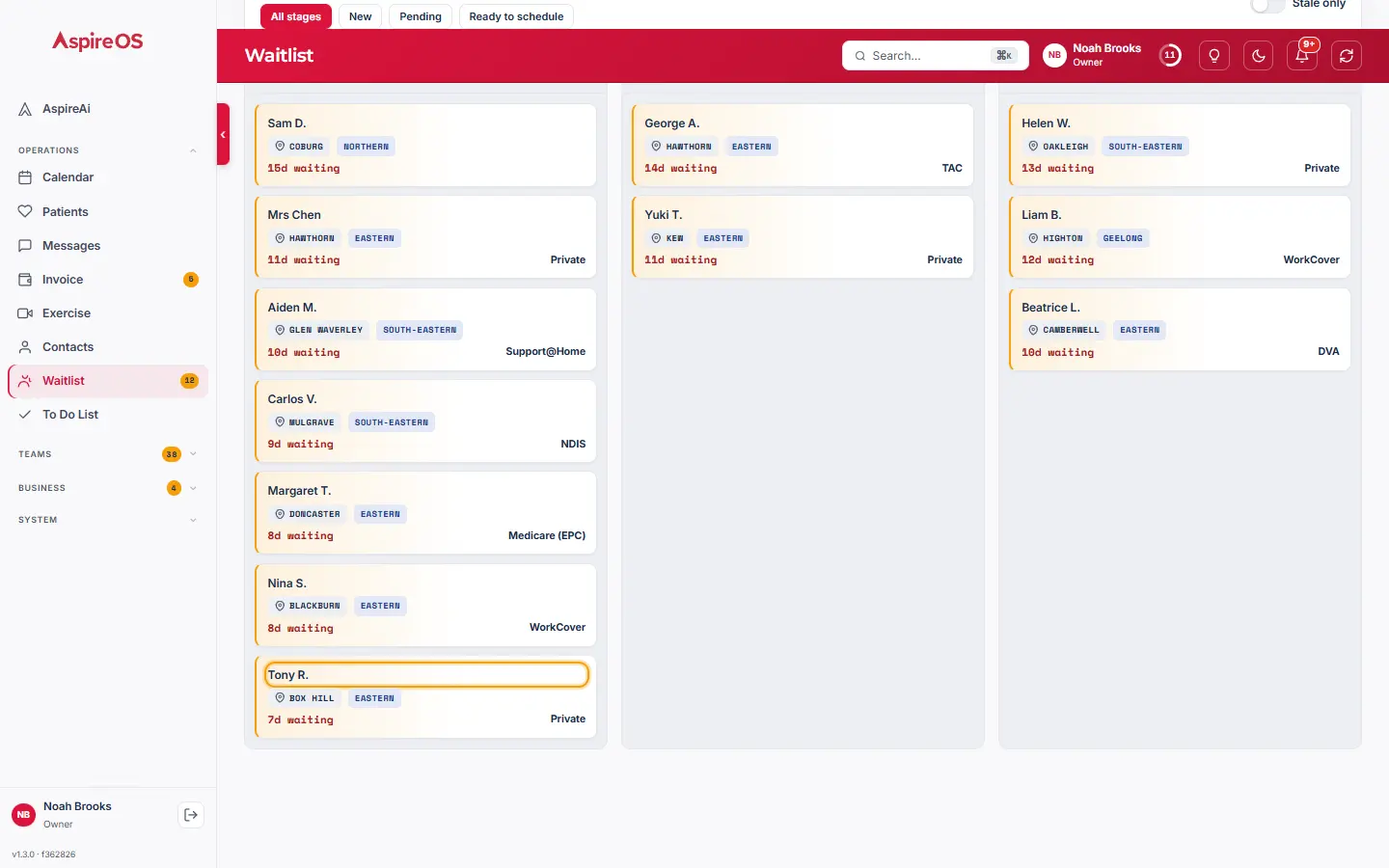
Open the enquiry
Go to the Waitlist and click the person's card.
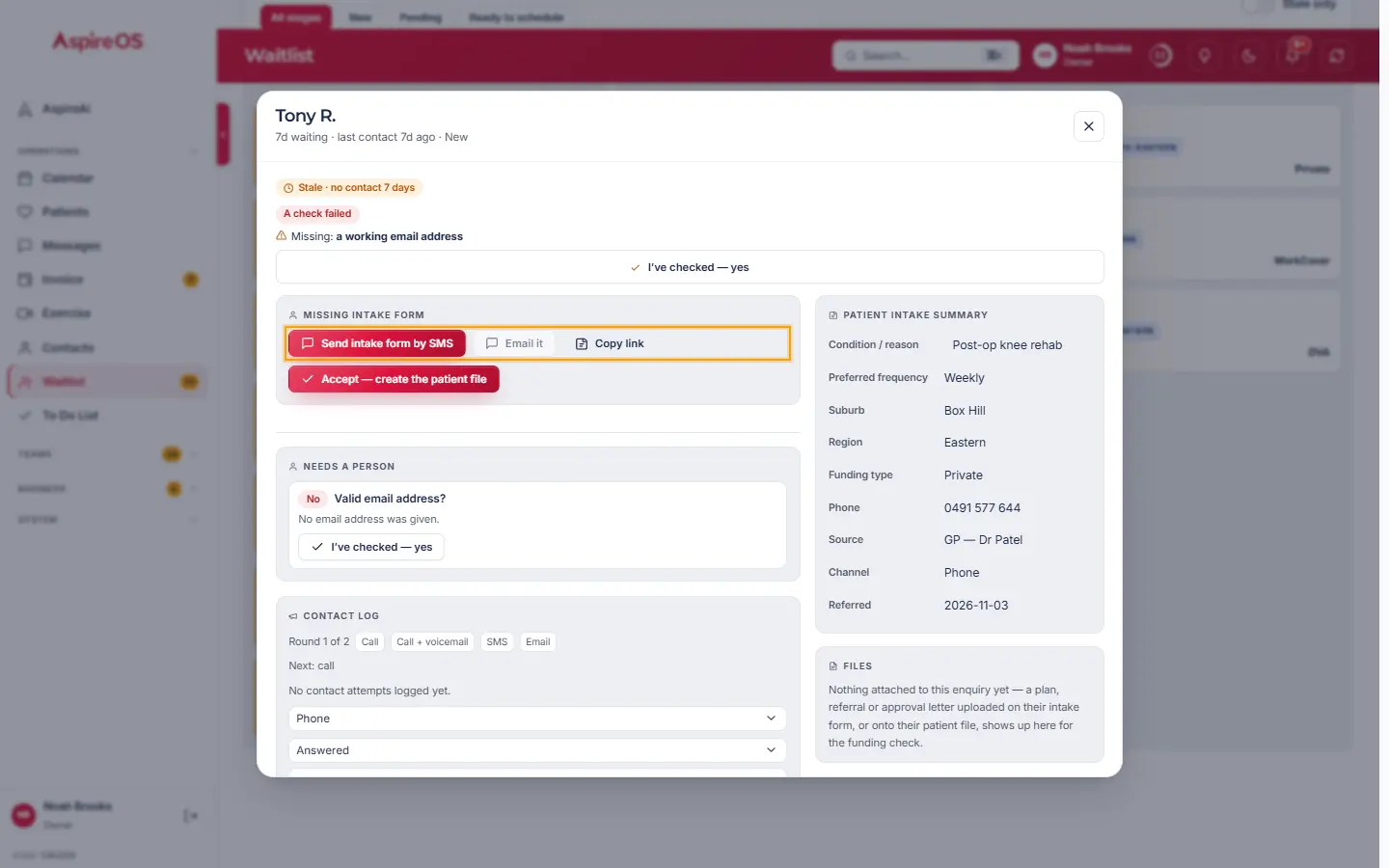
Send the form
Under Missing intake form, click Send intake form by SMS or Email it. Copy link gives you their own link to send another way.
Patient’s view
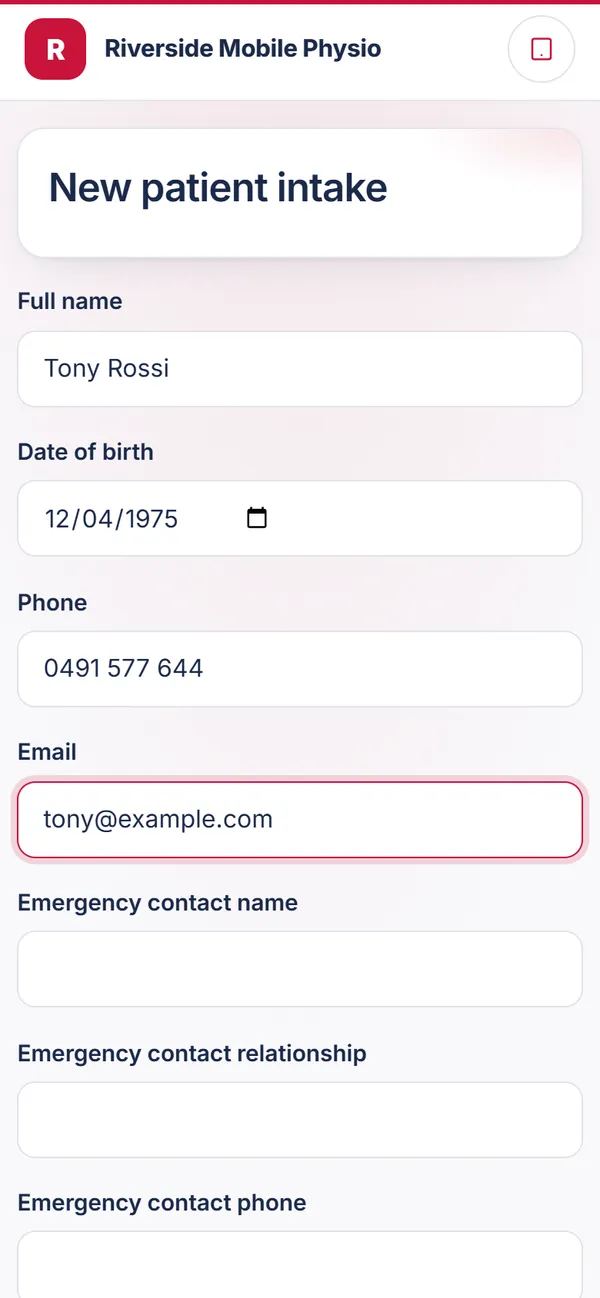
The patient opens the link
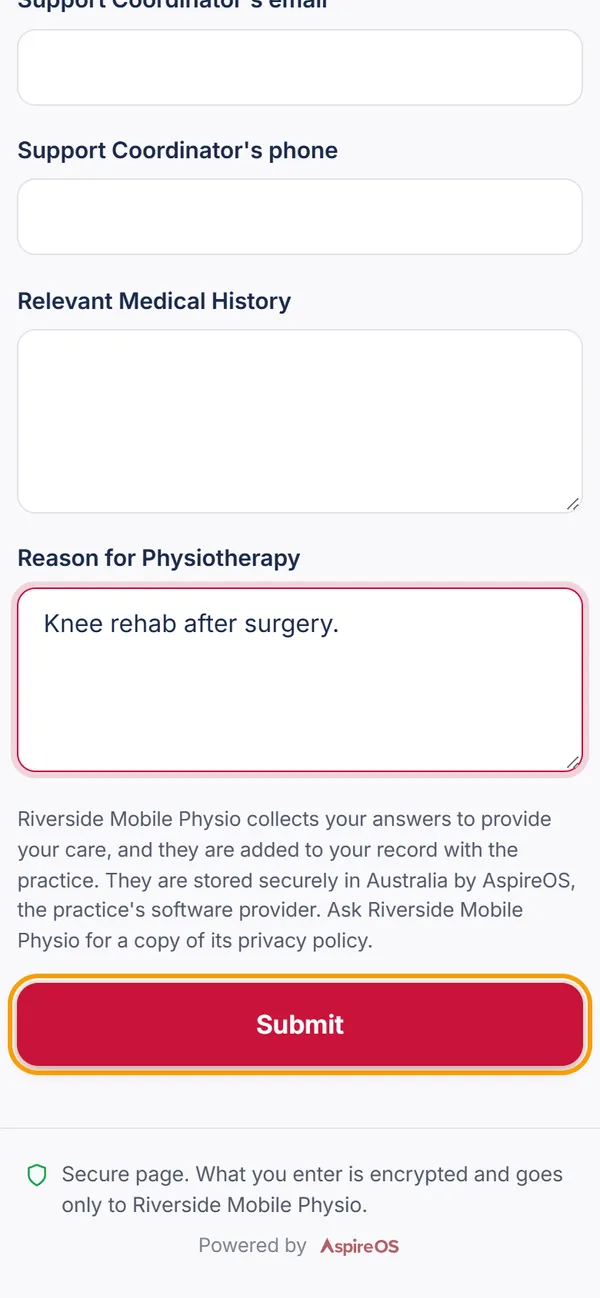
The patient opens the link on their phone and fills in their details.
Patient’s view
The patient submits
They finish the questions and tap Submit. Their answers go to your waitlist.
Find returned forms
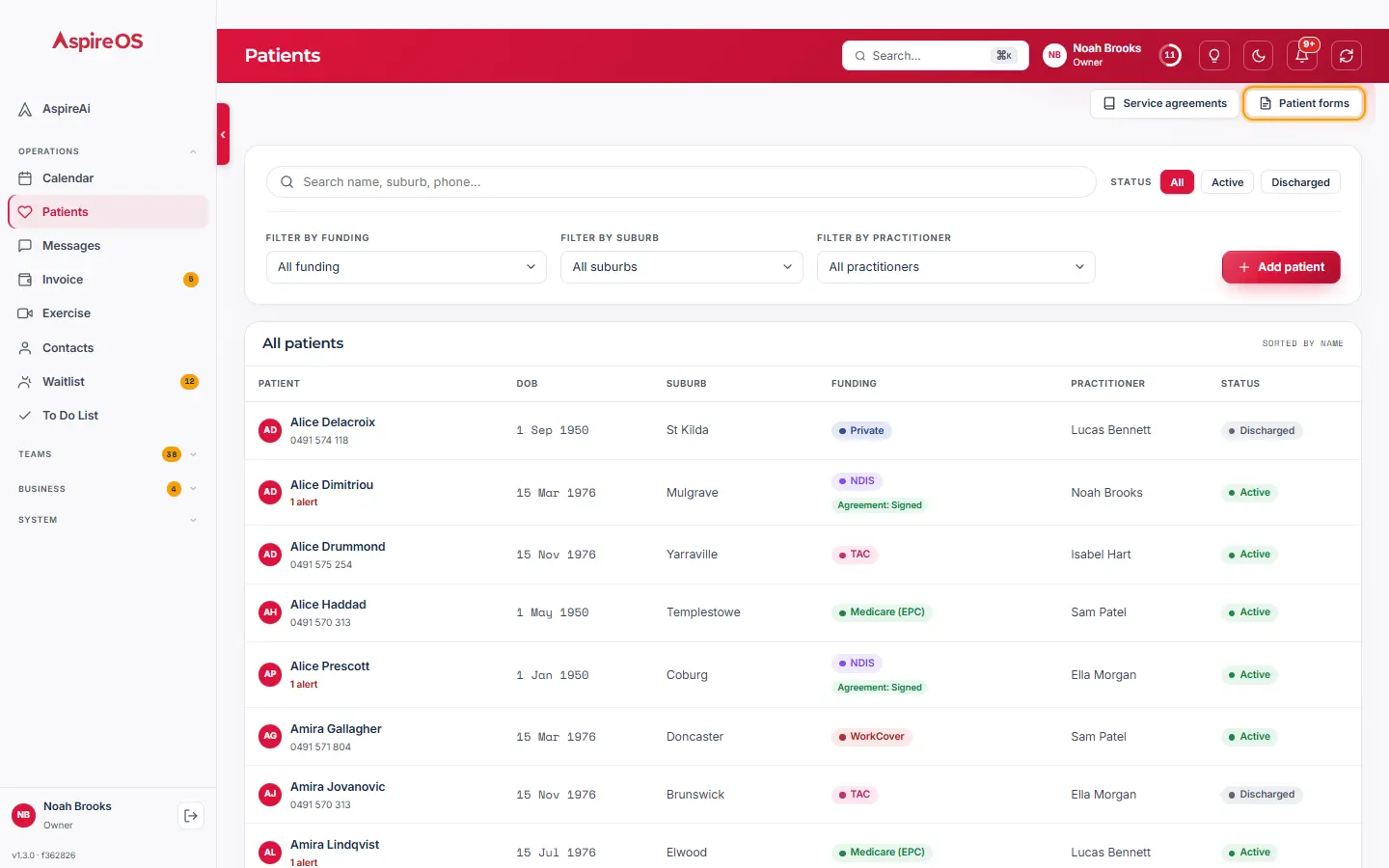
On the Patients page click Patient forms to see every form that's come back.
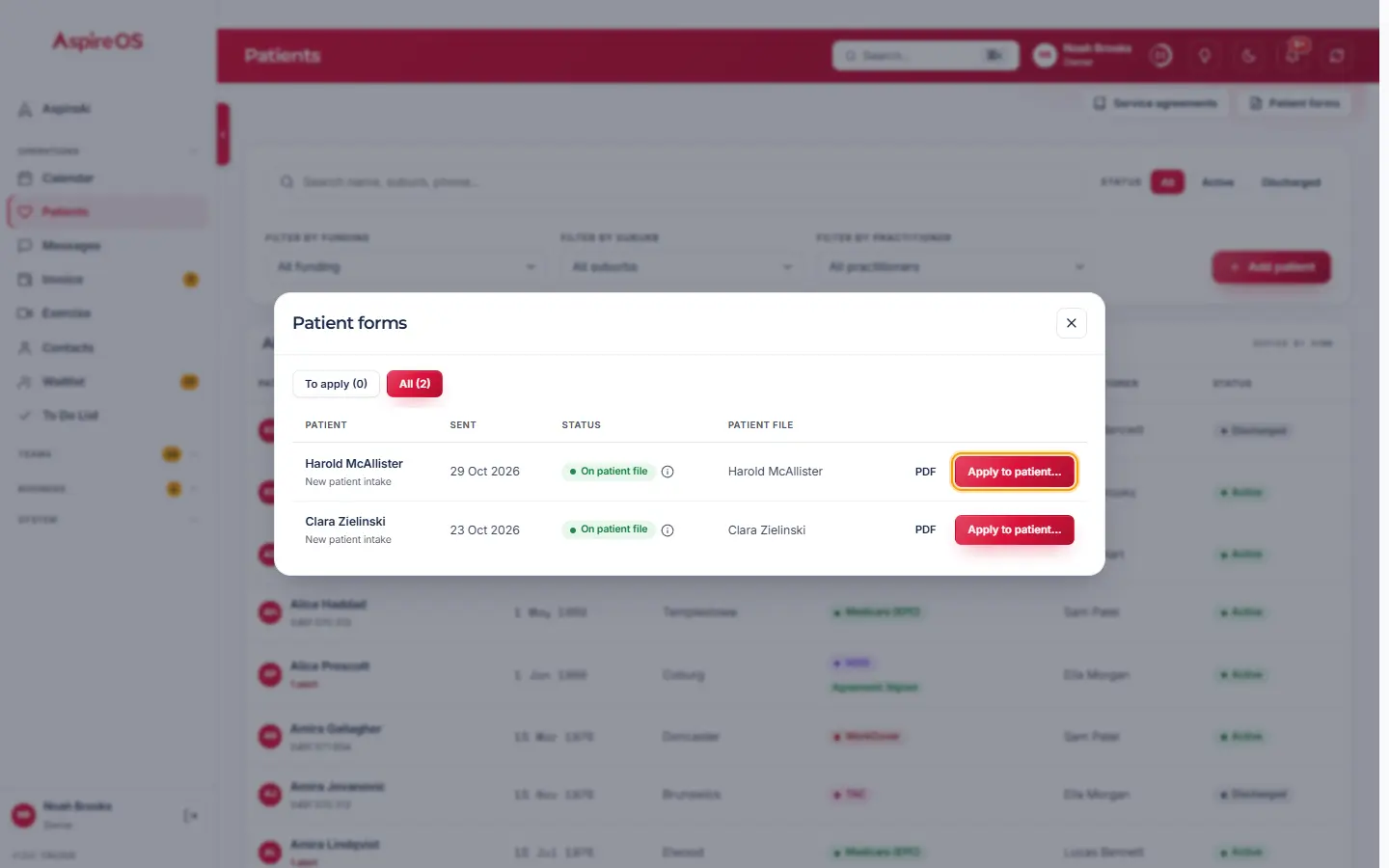
Apply it to the patient file
Click Apply to patient… beside a form. To apply shows the ones still waiting on you.
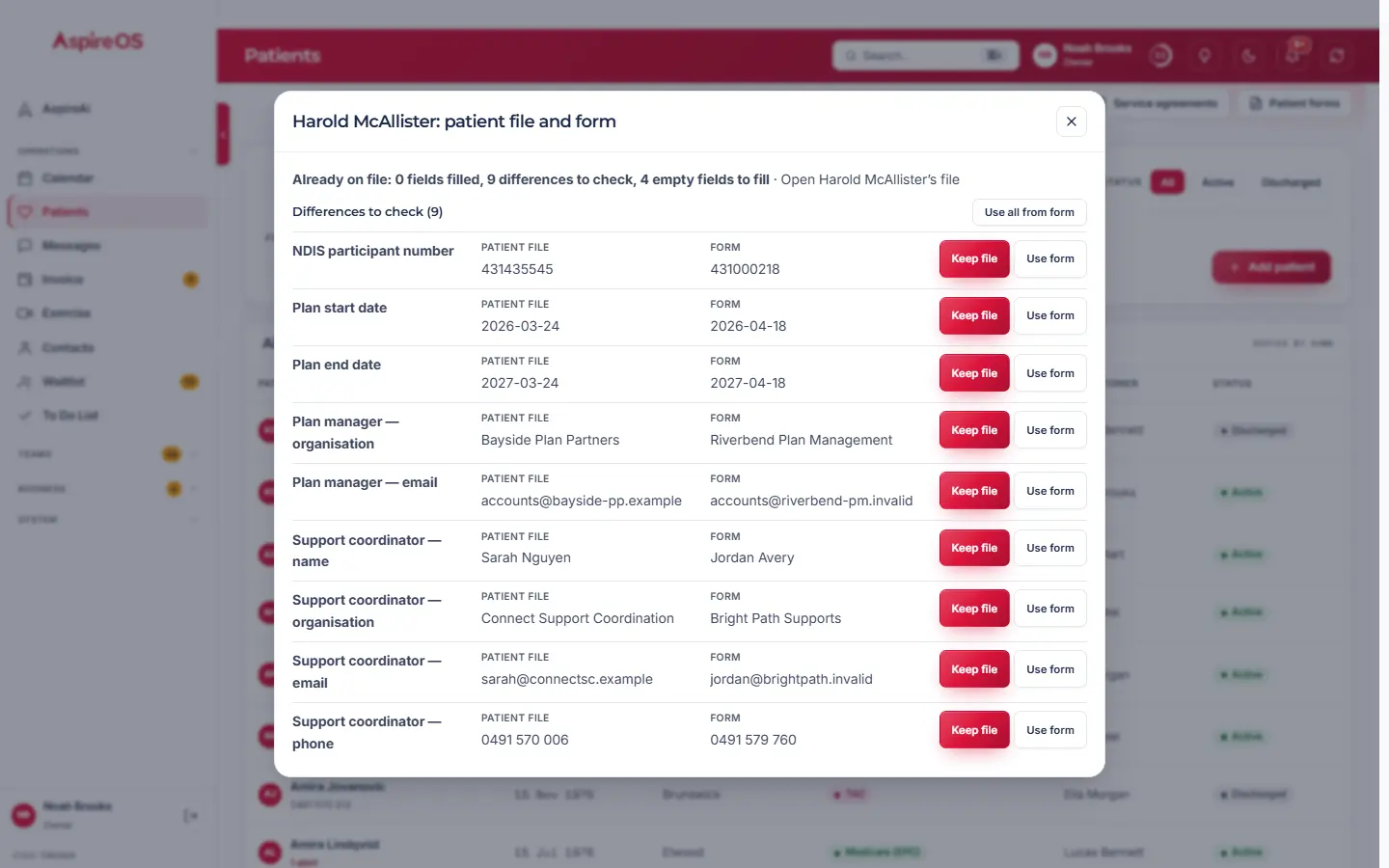
Choose what to keep
Empty fields on the file are filled for you. For anything different, pick Keep file or Use form, or click Use all from form.
Screenshots taken 10 November 2026 on sample data. Your screens may differ slightly as AspireOS improves.
Still stuck?
Ask AspireAi inside AspireOS: it can walk you through any of these, or send a note to our support team for you.